Short sets
Choose 10, 20 or 40 questions from any mix of topics.
Everything in Quanta is built around short practice sets and clear explanations.
Choose 10, 20 or 40 questions from any mix of topics.
The explanation covers why the correct answer is right, the worked math for calculations, and a short note on each wrong choice.
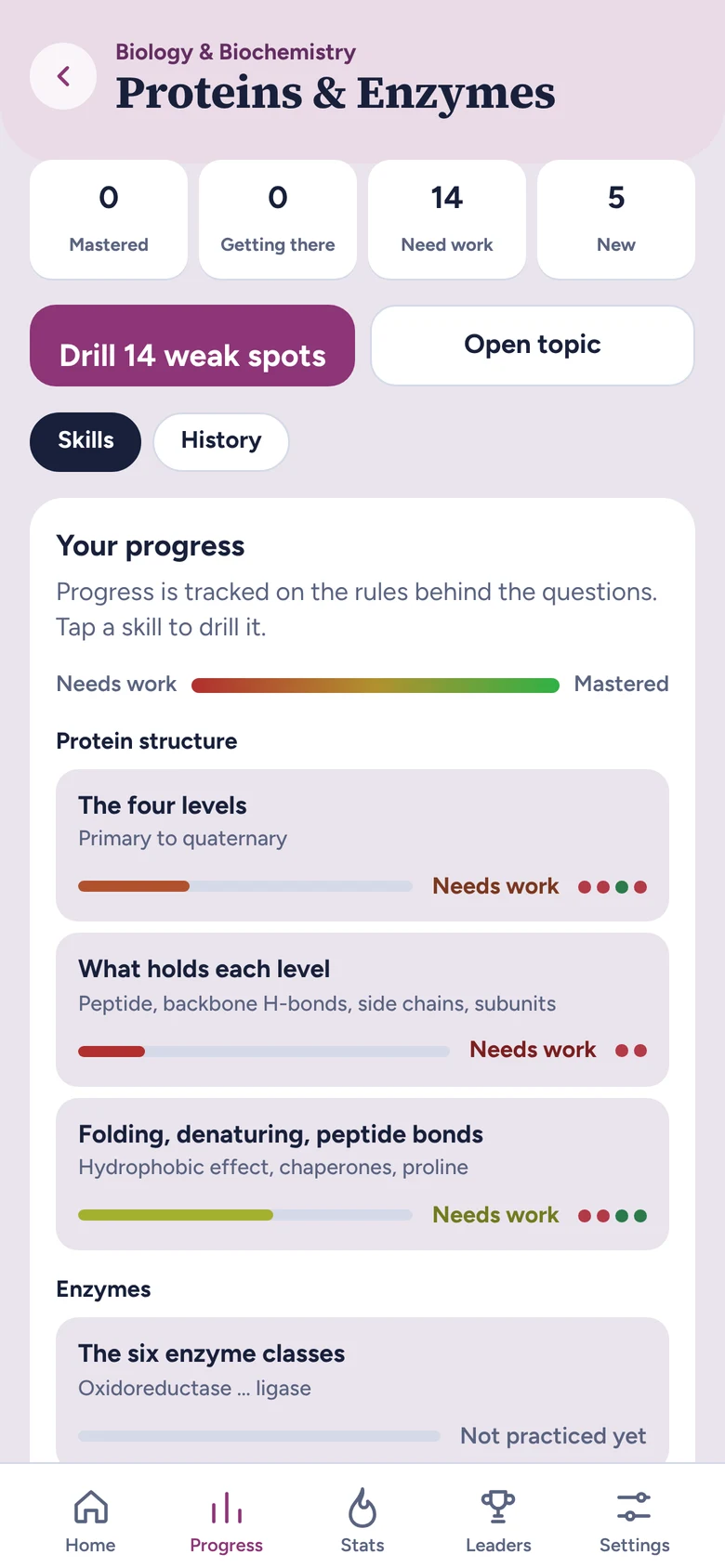
Each topic is tracked skill by skill, so you see what to review instead of a single percentage.
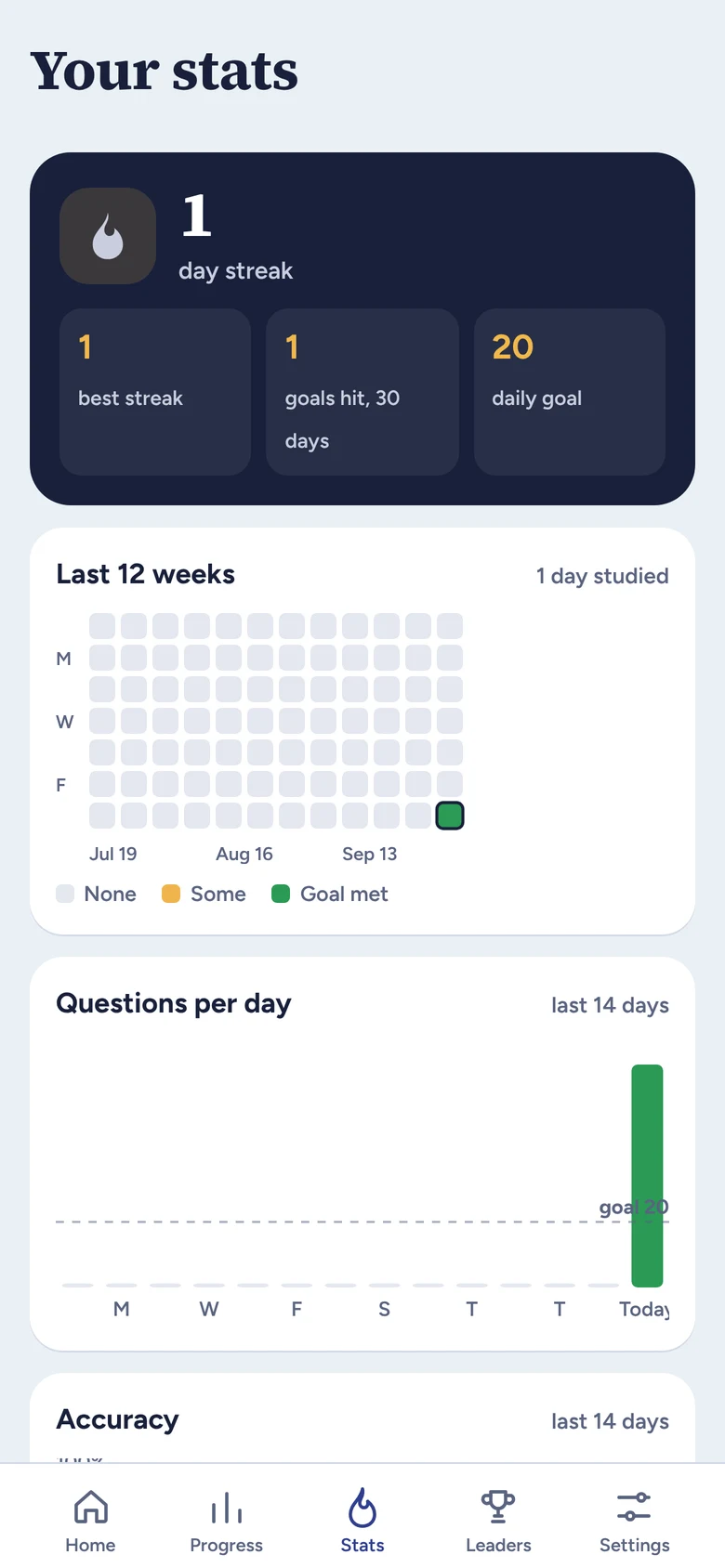
Set a daily goal and follow your streak, questions per day and accuracy over time.
Question types that MCAT prep emphasizes most are outlined in gold, so you can prioritize them.
Anatomy, pathways, curves and charts drawn the way textbooks draw them, with one part highlighted to name or explain.
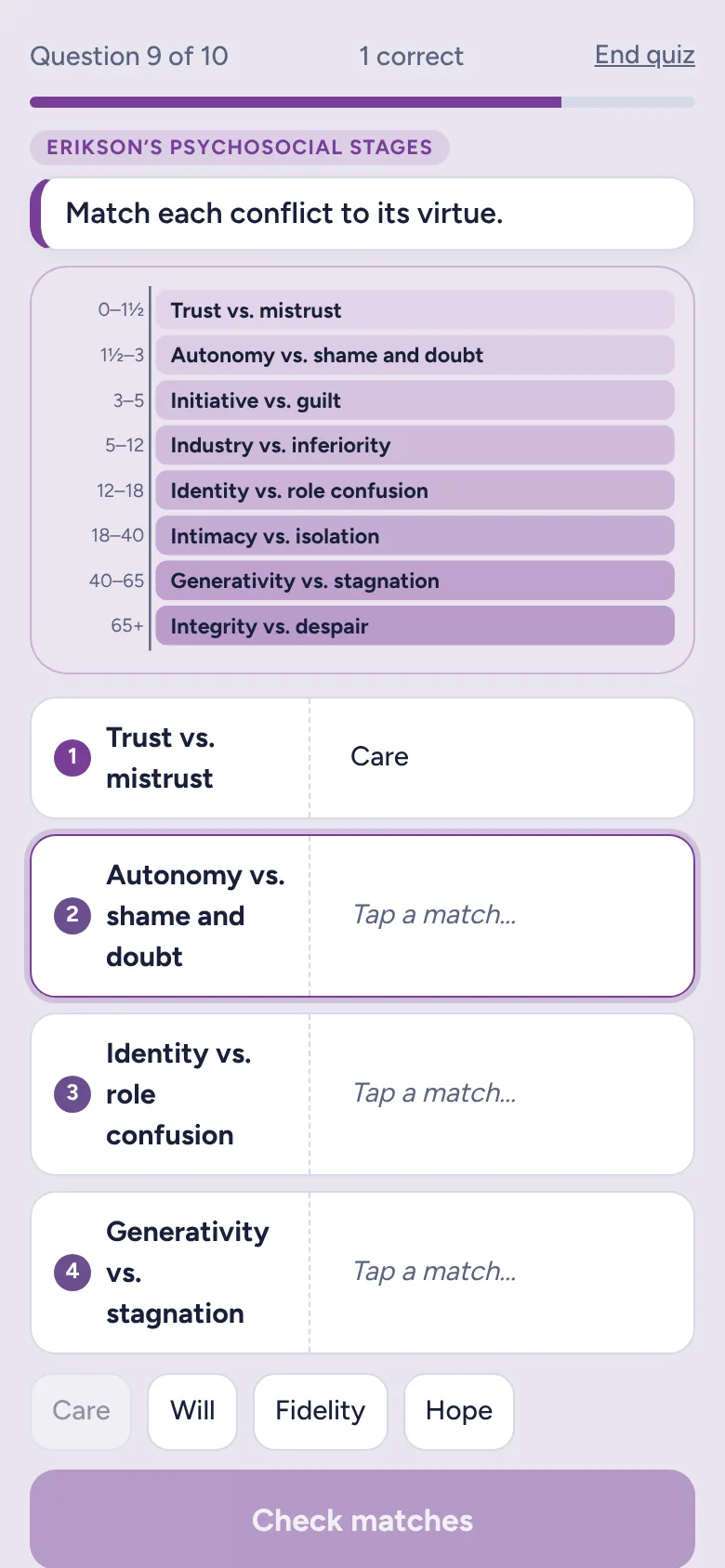
Pair stages, structures or terms with what they describe. Every pair has to be right, and each mismatch is explained.
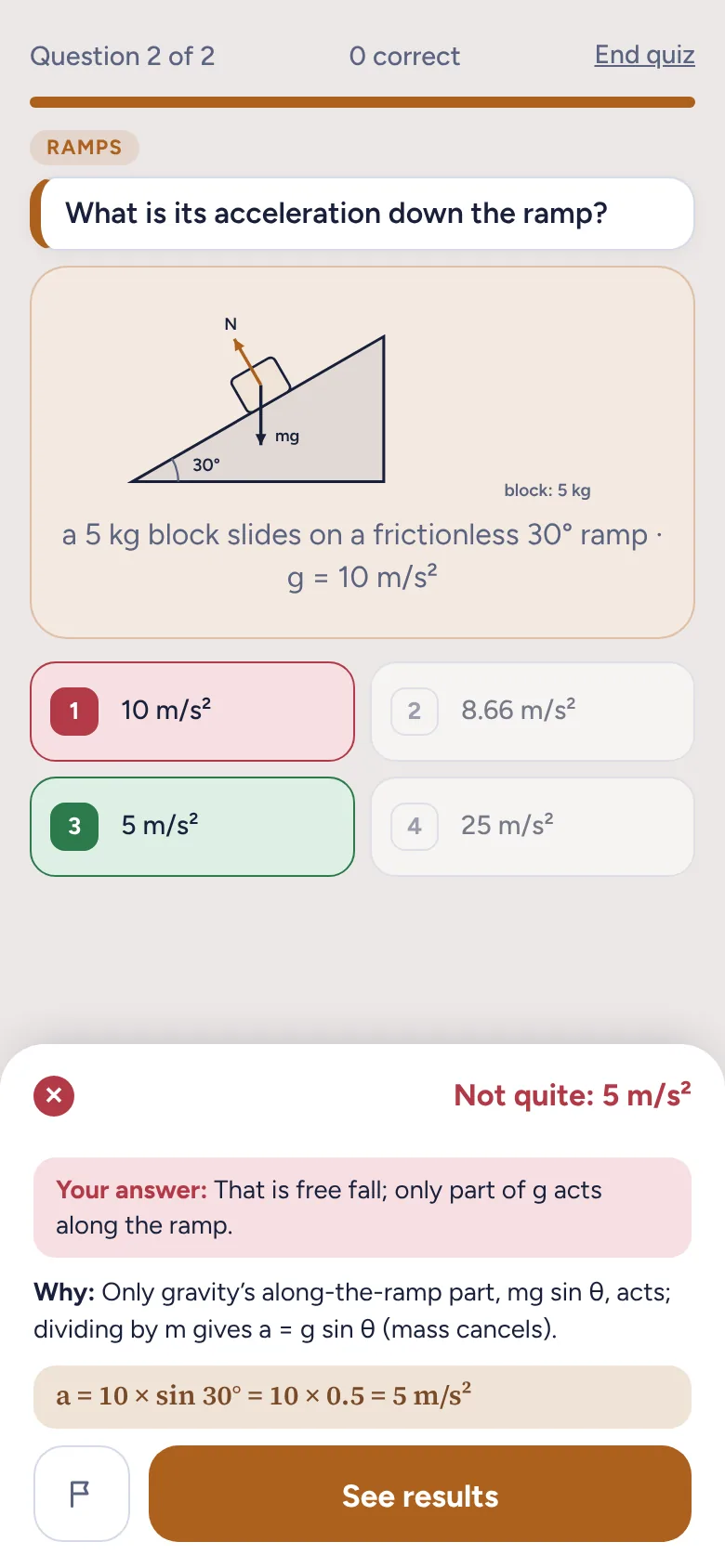
Calculation questions use different values every time, and the diagram updates to match.
Light and dark mode, adjustable text size, and on iPad a side-by-side layout in landscape.
Explanations
After a wrong answer, Quanta shows the choice you made, explains the correct one, and walks through any math step by step, with the question’s diagram still on screen.
Diagrams
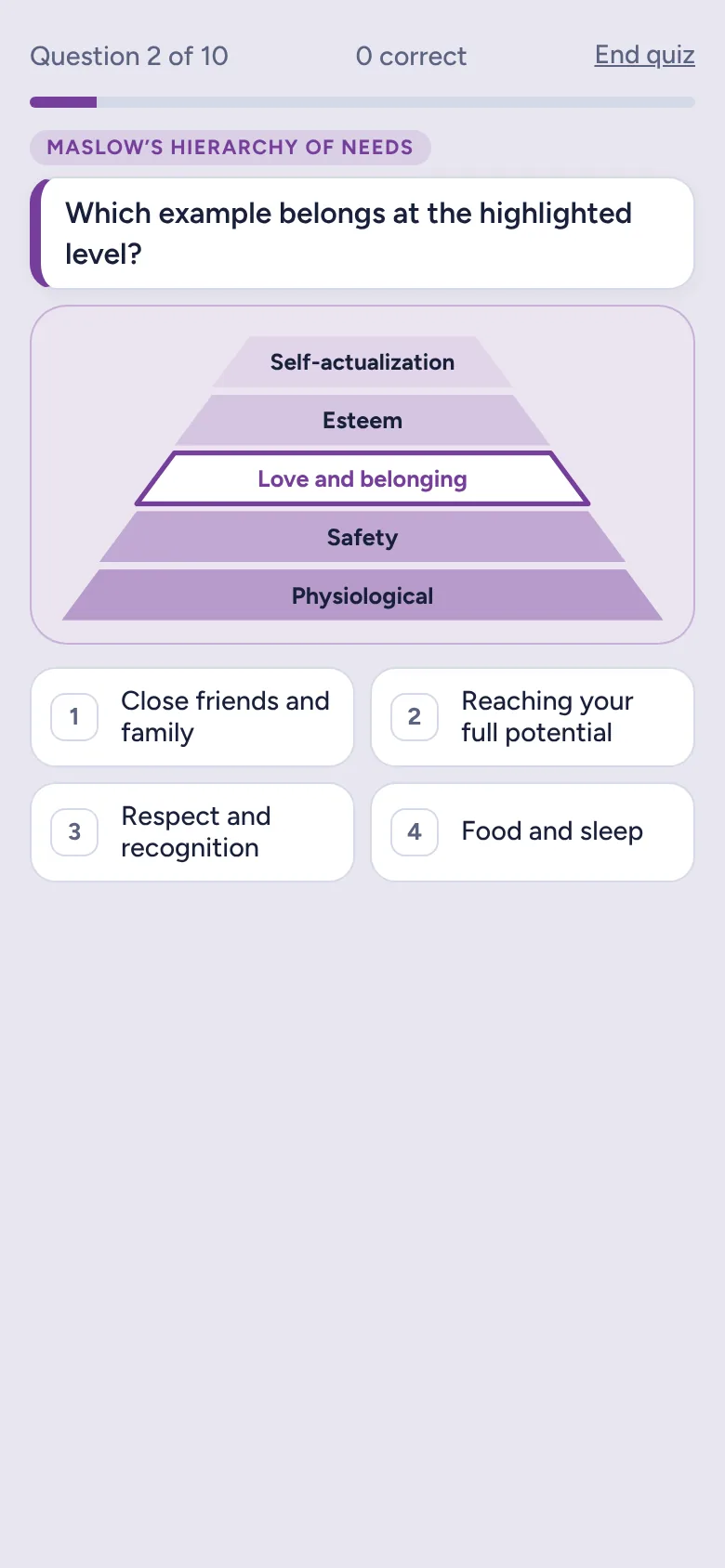
The nephron, the cardiac conduction system, the action potential curve, Maslow’s pyramid: each is drawn the way it appears in textbooks. One part is highlighted, and you name it, explain it or apply it.
Matching
Tap an item, then its match. A set counts only when every pair is right, and any pairs you mixed up are shown with an explanation.
Progress
Every topic is split into the skills behind it, such as the four levels of protein structure or Lineweaver–Burk patterns. Your weakest skills are listed first, and you can practice them directly.
Stats
Set a daily goal and see your streak, questions per day and accuracy over recent weeks. Your study data stays on your device.